DISHIE ONLINE
QR code ordering for restaurants
Increase efficiency and improve the customer experience with easy-to-manage QR code ordering.
 Free setup • No commission • Android app
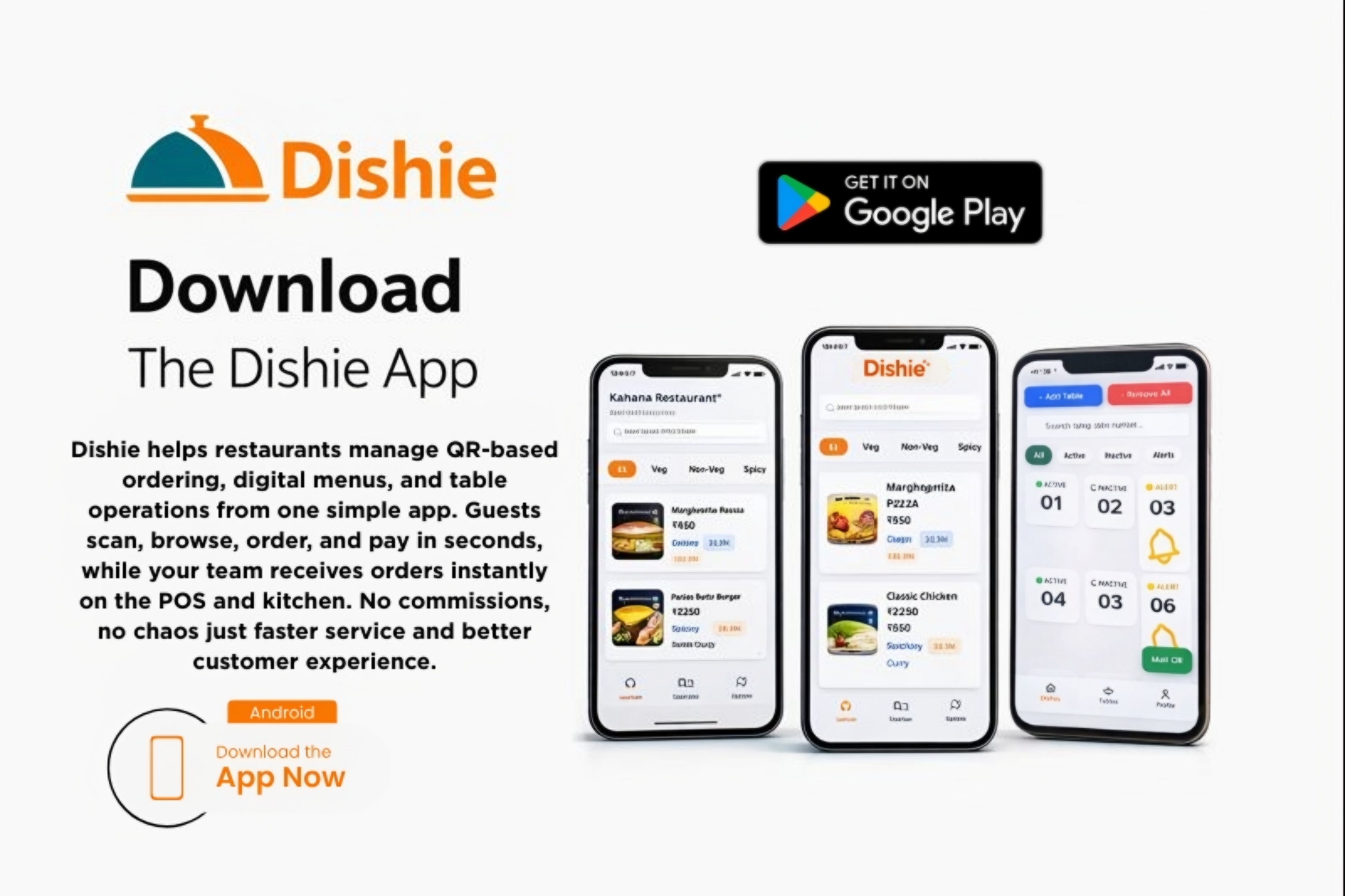
Increase efficiency and improve the customer experience with easy-to-manage QR code ordering.
Free setup • No commission • Android app
Offer quick and easy qr scan feature which Increase table revenue.
Raise efficiency with improved table turn times and smoother service.
Free up staff to focus on fulfilling orders and creating an optimal guest experience.
Give diners the freedom to order when they want—without waiting for a server.
Let customers open a tab and then pay from their device before leaving.
Make ordering easy and intuitive with a mobile-optimized menu experience.
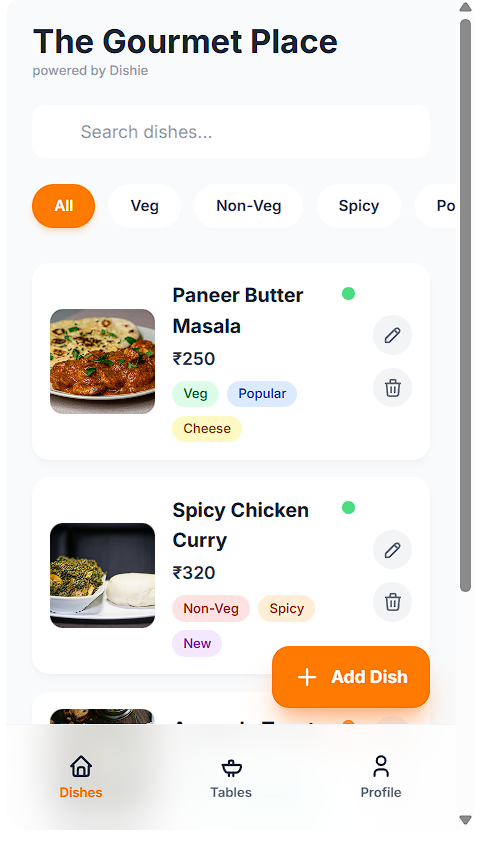
Launch your restaurant's own branded online ordering page with Dishie in minutes. Every Dishie ordering page is designed to deliver a fast, app-like experience that works flawlessly on mobile devices — no app download required. Your customers can browse the menu, customize items, place orders, and complete secure payments in just a few taps. The interface is clean, intuitive, and optimized to reduce drop-offs and increase order completion rates.
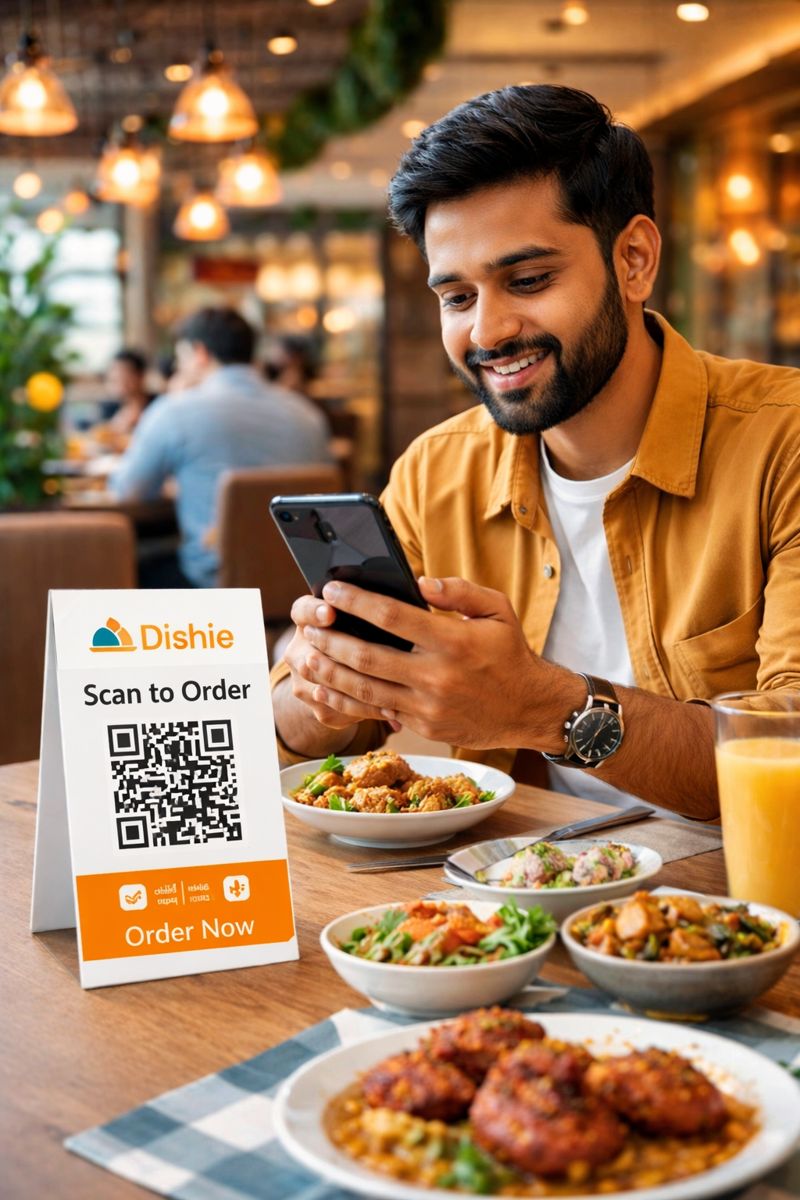
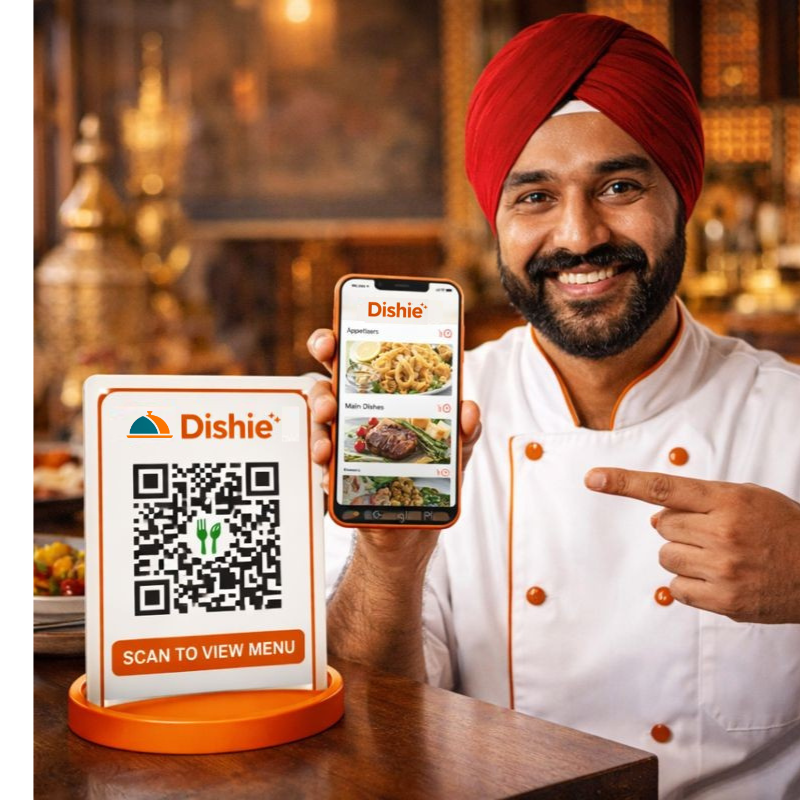
Create custom Dishie QR codes for every ordering point in your restaurant — tables, walk-in counters, takeaway windows, or parking pickup spots. Each QR code is uniquely mapped to a specific location, ensuring accurate order routing and smooth operations. Once generated, simply print and place the QR codes on tables or stands. Customers scan, view your menu instantly, and place orders without waiting for staff or downloading an app.
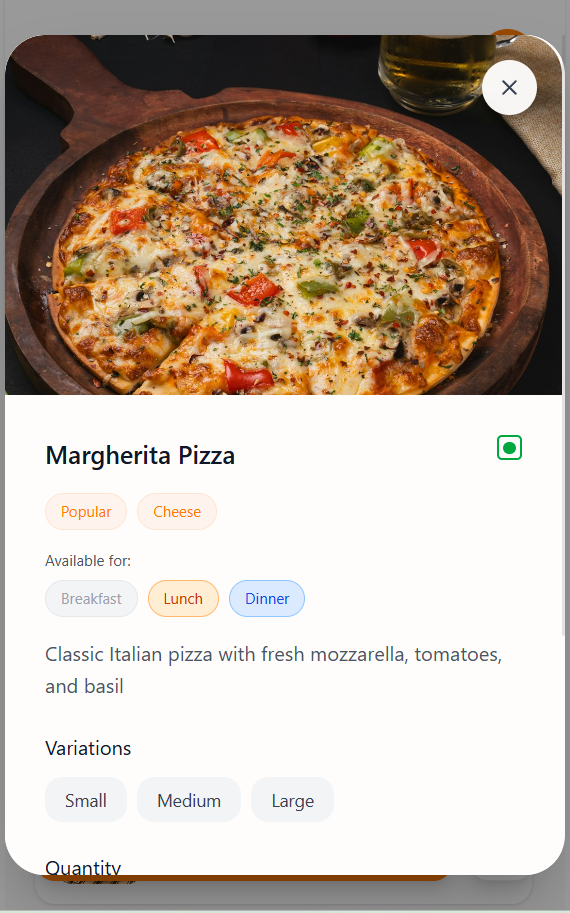
Guests can order, add notes, and pay immediately or keep ordering on the same tab.
Once the QR code is placed, diners simply scan it using their phone camera to instantly open your restaurant's online ordering page.
No app downloads, no sign-ups — just fast, intuitive ordering directly from their table.
Guests can browse dishes, choose variations, add special notes, and place orders in real time.
What Diners Can Do Instantly:
View Your Digital Menu
High-quality images, descriptions, and availability clearly displayed.
Customize Orders
Select sizes, add-ons, and variations (small, medium, large, extras, etc.).
Add Notes & Preferences
Special instructions like “less spicy” or “no onions” included with the order.
Pay Securely
Complete payments instantly via UPI, cards, or other supported methods.
Keep Ordering Without Rescanning
Customers can add more items anytime during the same session.
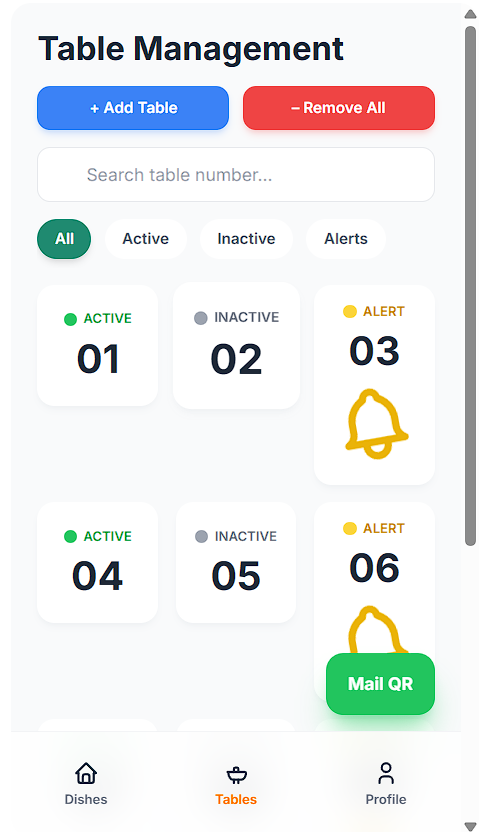
As soon as a customer places an order, it is instantly routed to your Dishie POS and connected kitchen printers in real time.
There is no manual order entry, no miscommunication between staff, and no delay between the dining table and the kitchen.
Your team can view, accept, and prepare orders from a single dashboard, with clear visibility of active tables, inactive orders, and alerts that require attention.
Orders are printed in a clean, kitchen-friendly format, helping staff prepare faster and more accurately during busy hours.
Dishie also allows you to provide clear fulfillment instructions, such as table delivery, takeaway pickup, or counter collection.
This reduces staff dependency, minimizes order errors, and keeps operations running smoothly even during peak service times.
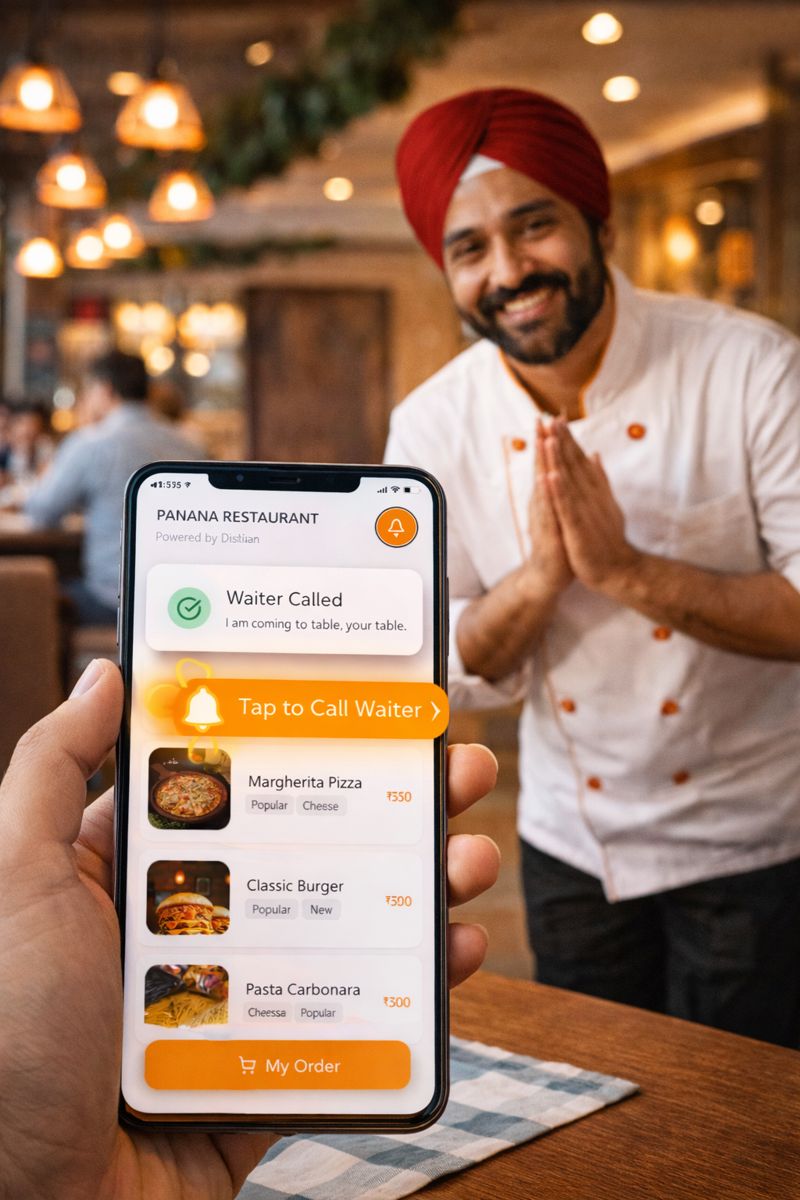
Dishie includes a built-in Call Waiter feature that lets
customers request assistance directly from their phone.
With a single tap on the bell icon, the waiter is notified immediately
no hand waving, no waiting, and no missed requests.
The alert appears clearly on the staff dashboard, showing which table
needs attention, helping your team respond faster and improve the
dining experience.
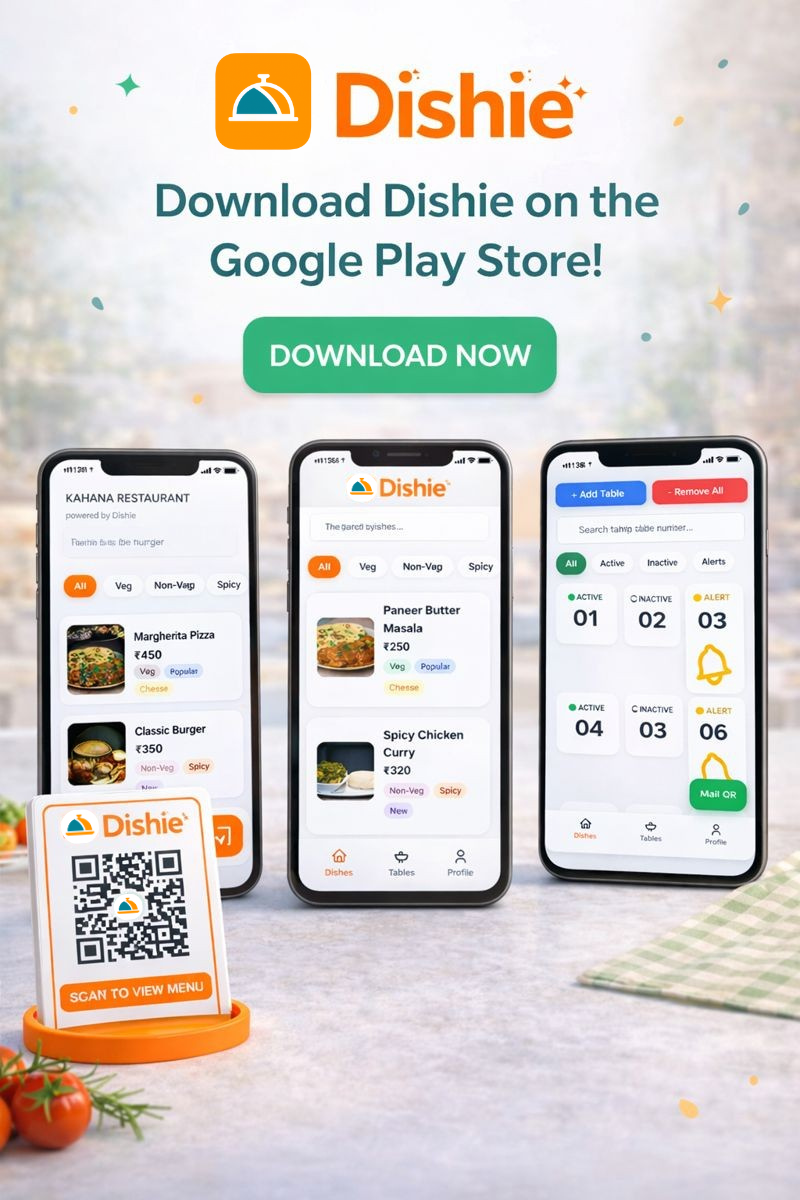
QR ordering made simple.
Setting up your online ordering page and QR codes is quick and easy.
Start now
Available on Android • Free to start